From left-side menu, click on "Gift Cards"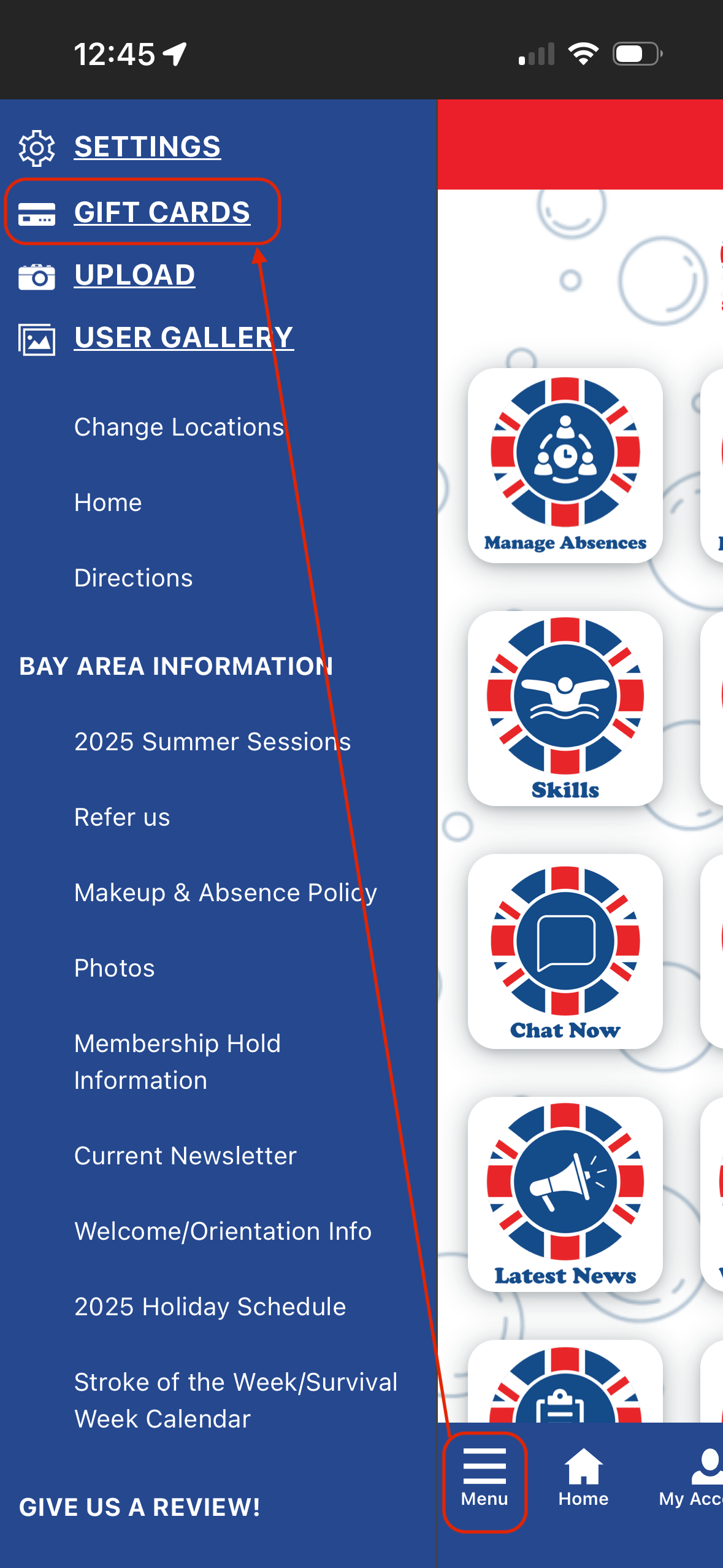
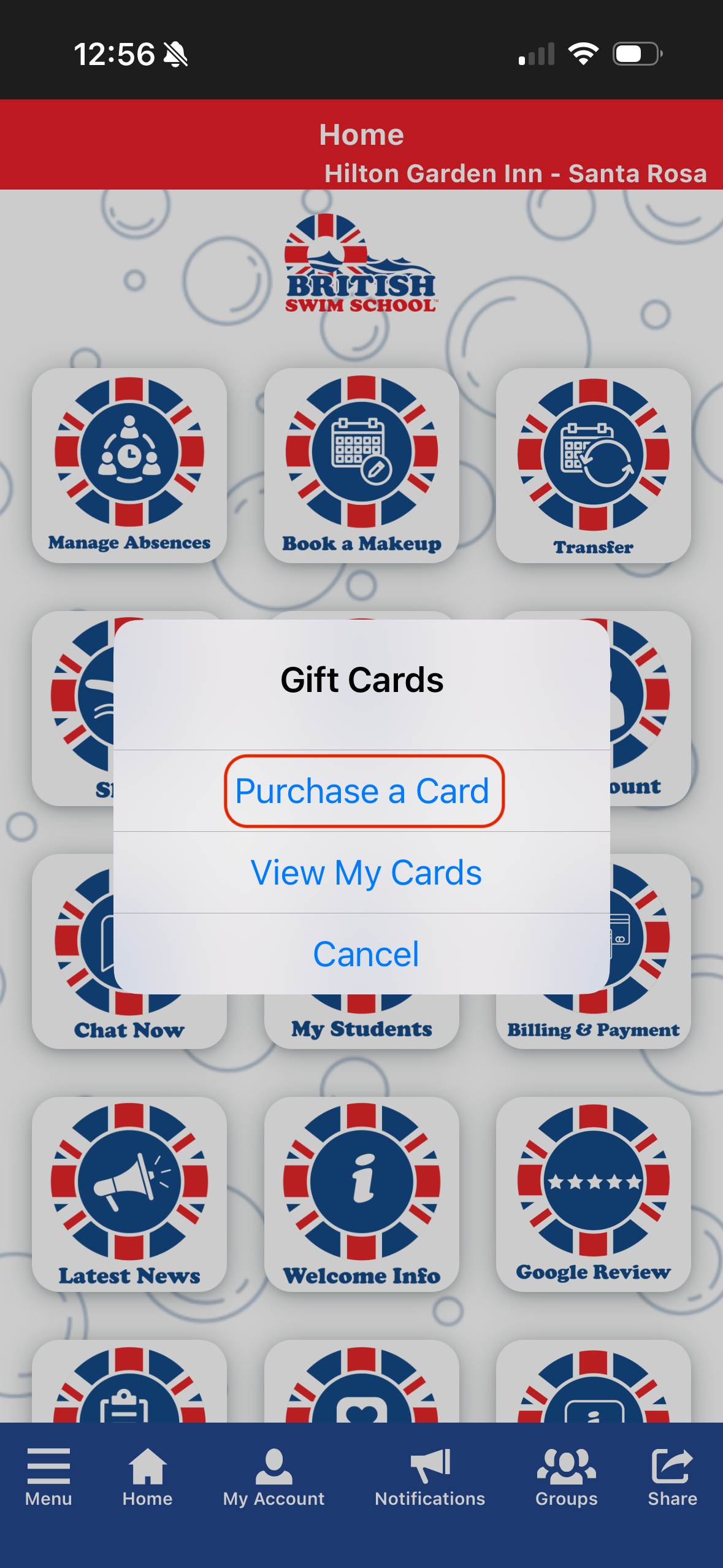
Click "Purchase a Card"
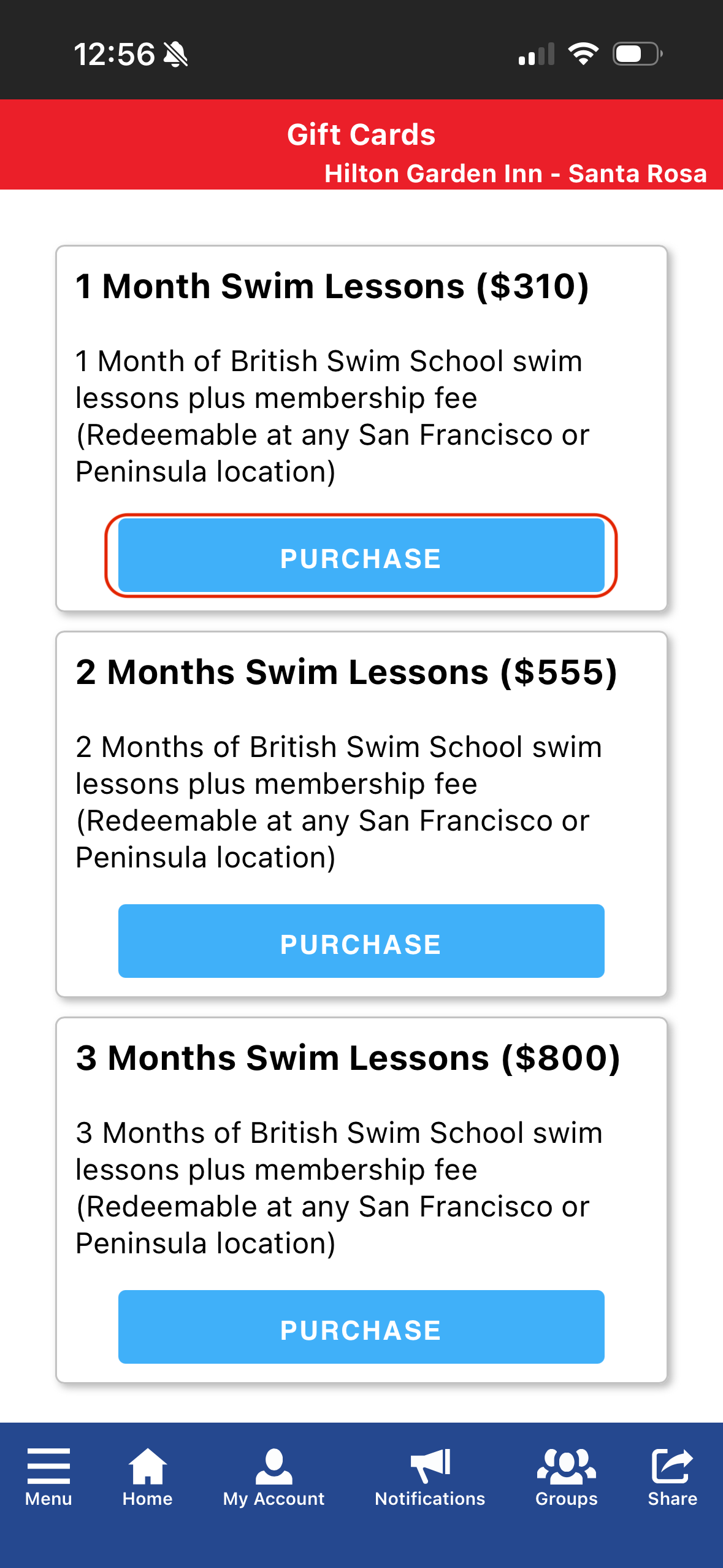
Select which package you would like
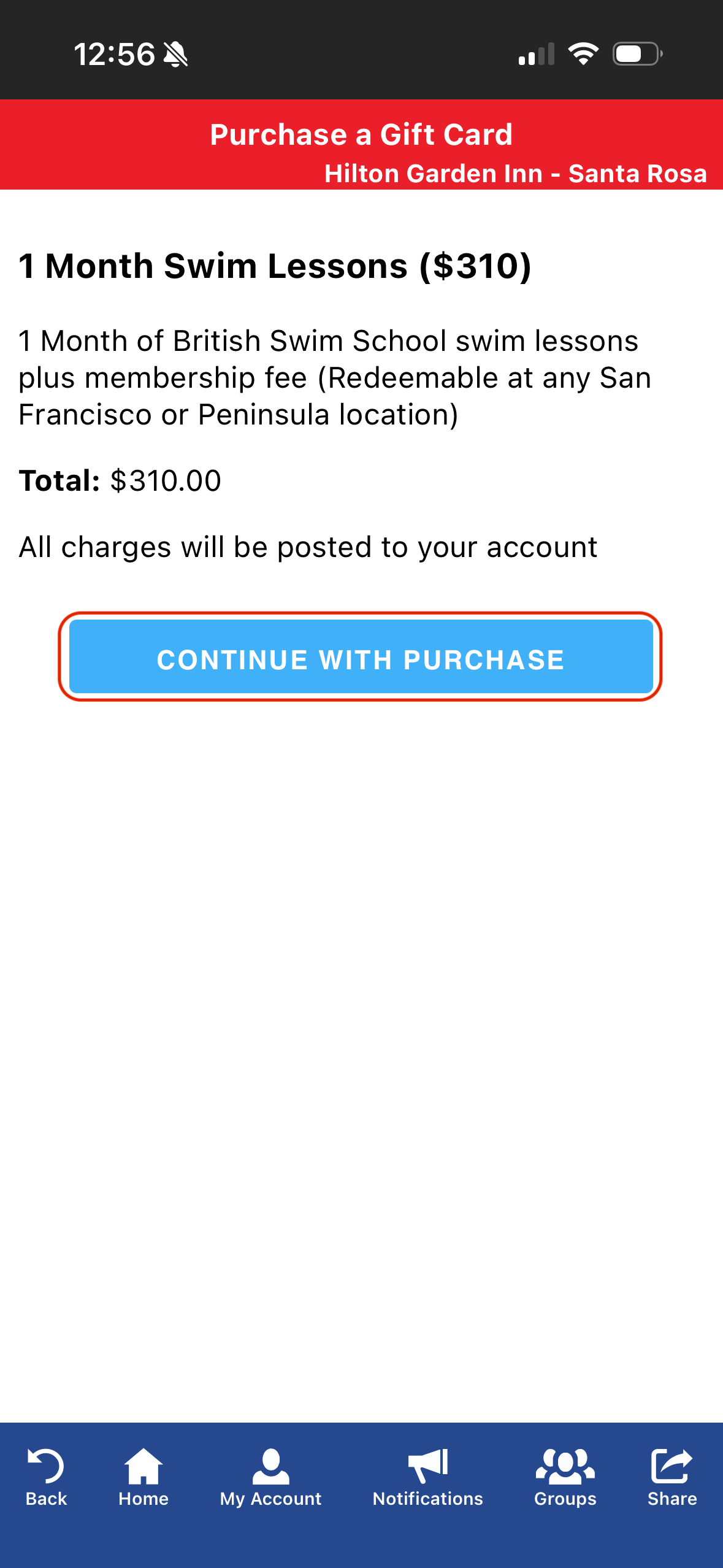
Click "Continue with Purchase"
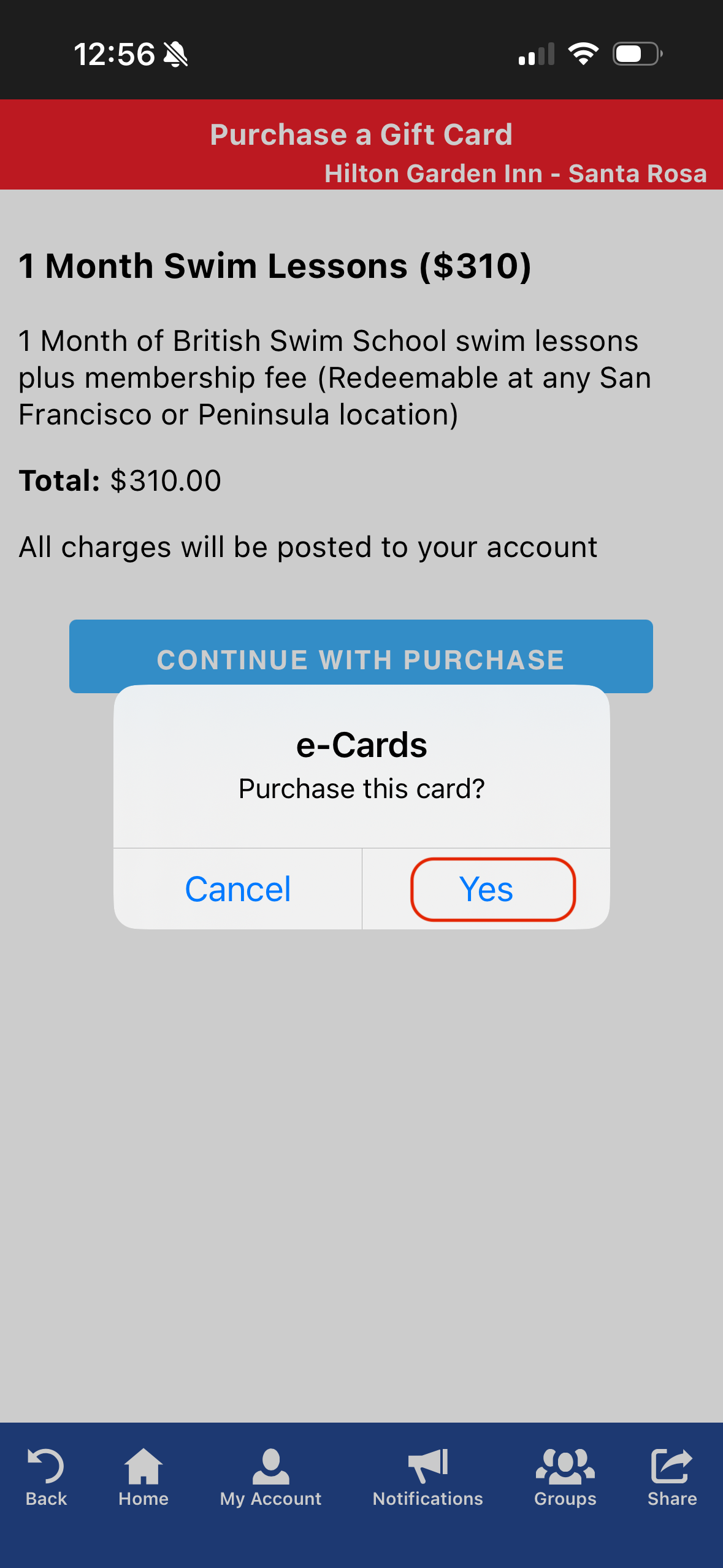
Click "Yes"
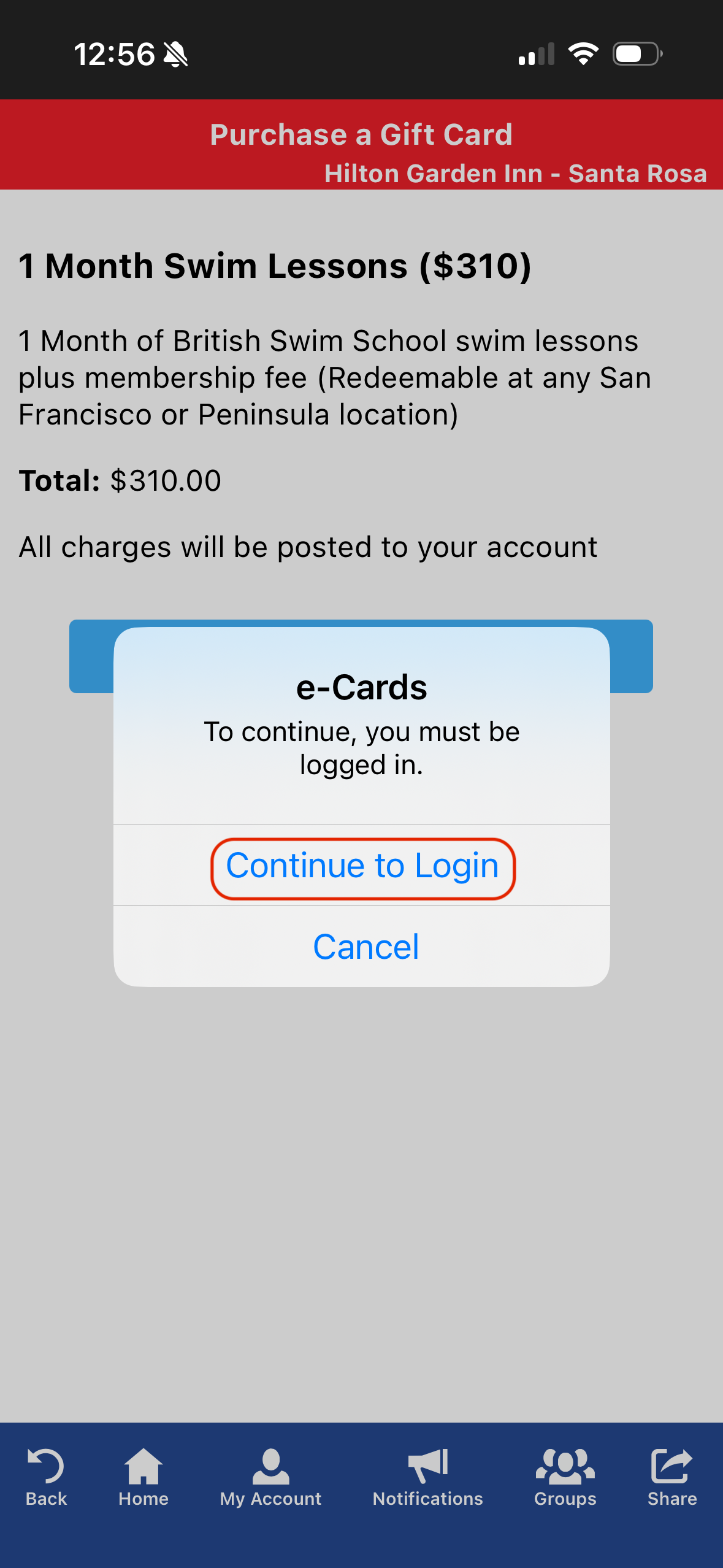
If you are not logged in, you will need to log into your account
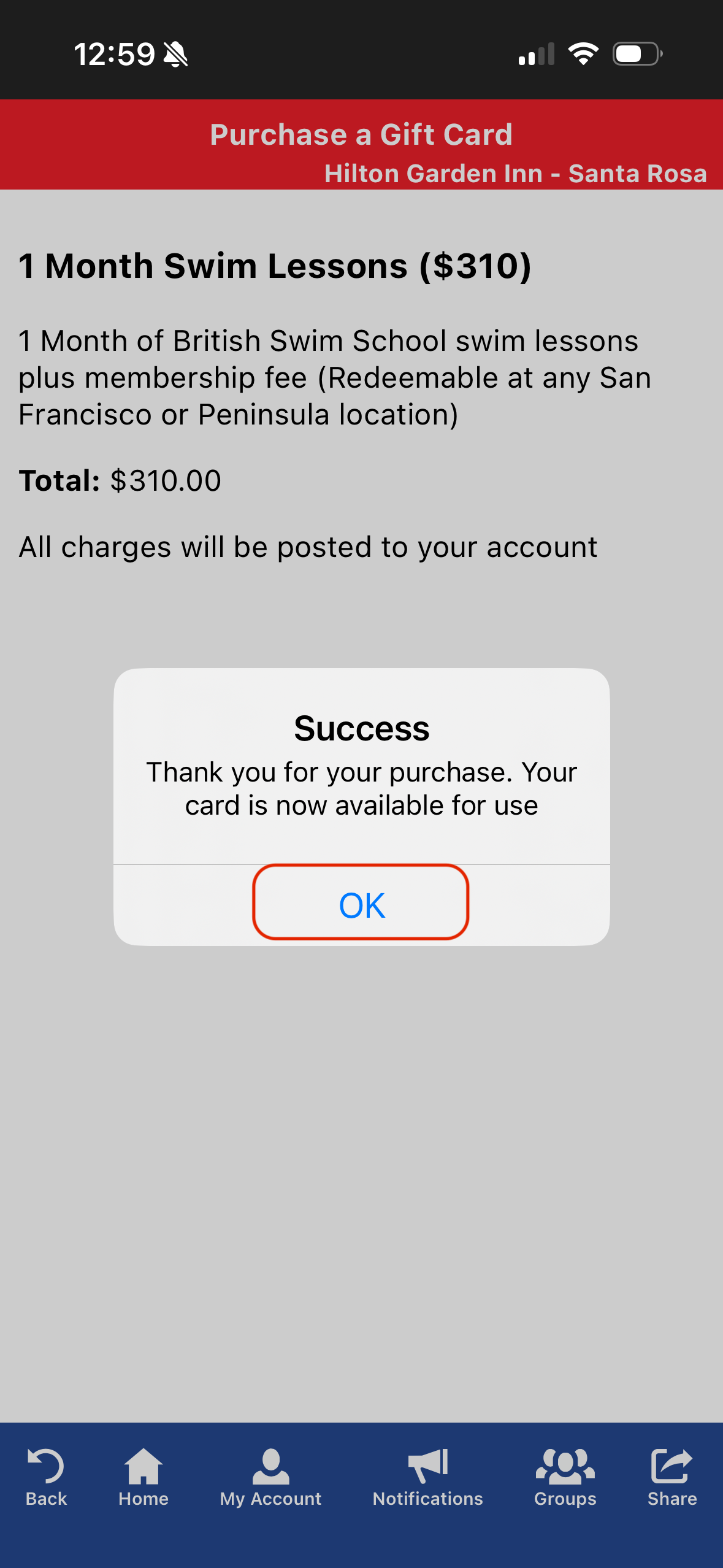
Select "ok"
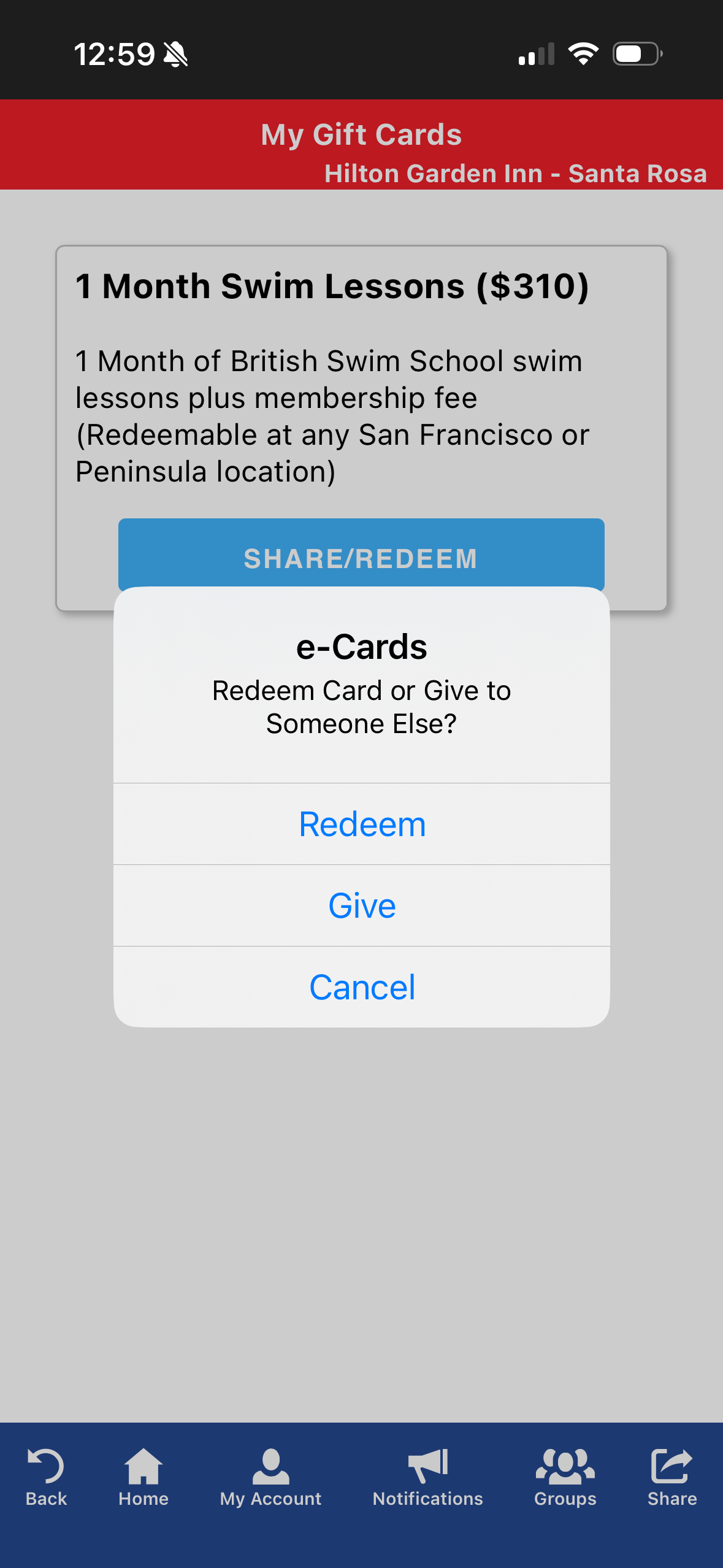
Once the gift card is in your account you can choose to share or redeem the card:
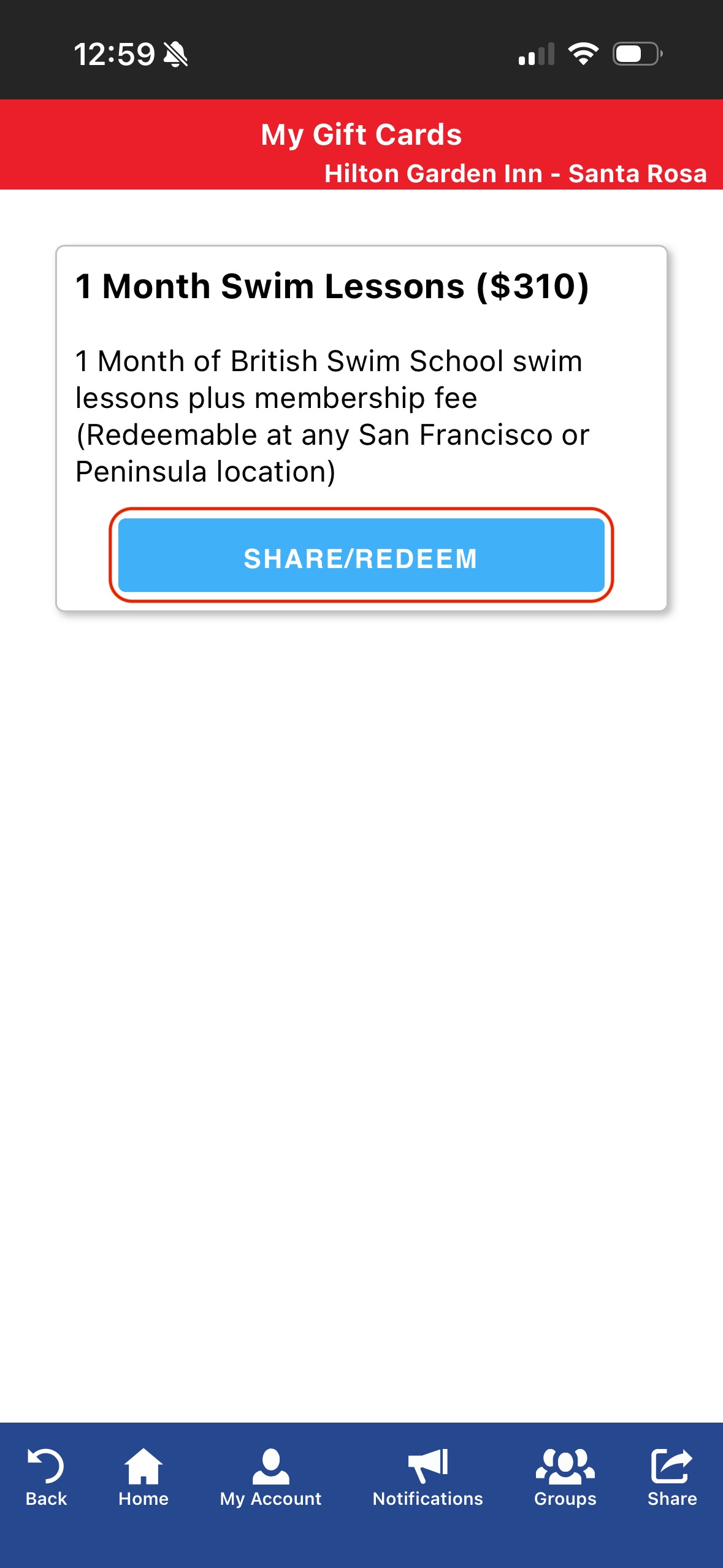
When you click on "Give," it will pop open your phone's sending screen and you can choose to deliver the gift card via email or phone.