From the home screen, click "Billing & Payment"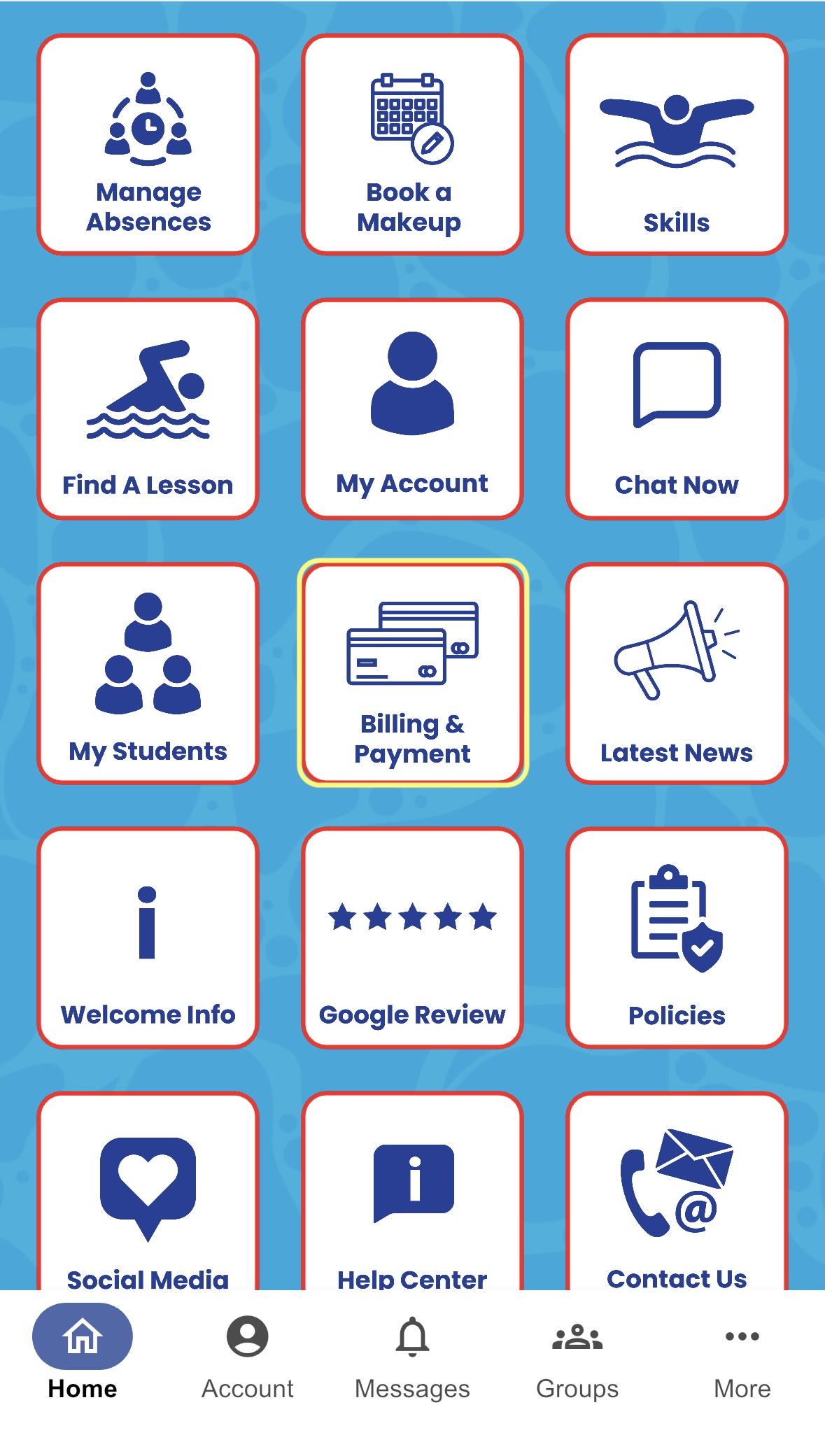
Scroll down and click on "Saved Payment Methods"
Edit your saved payment method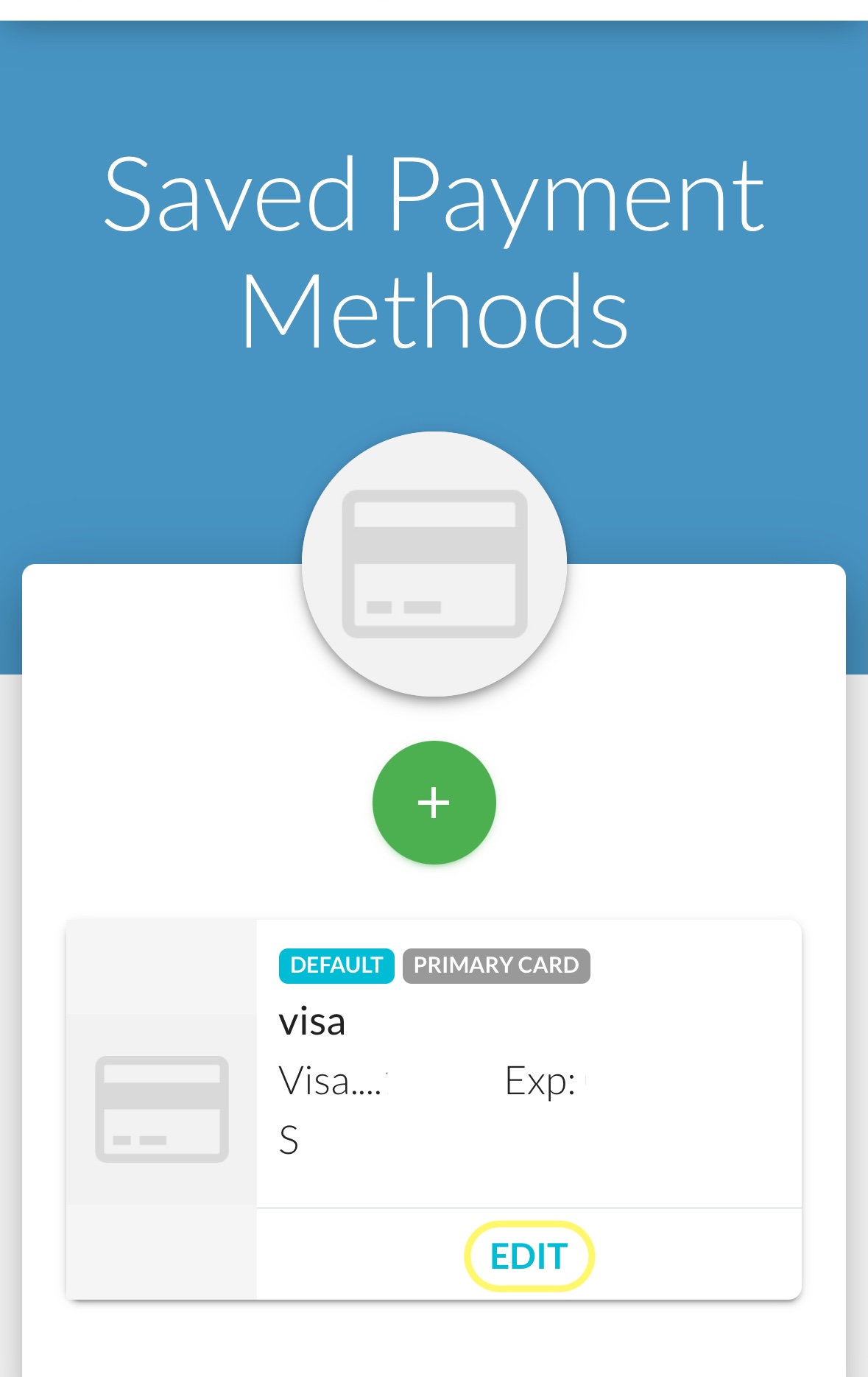
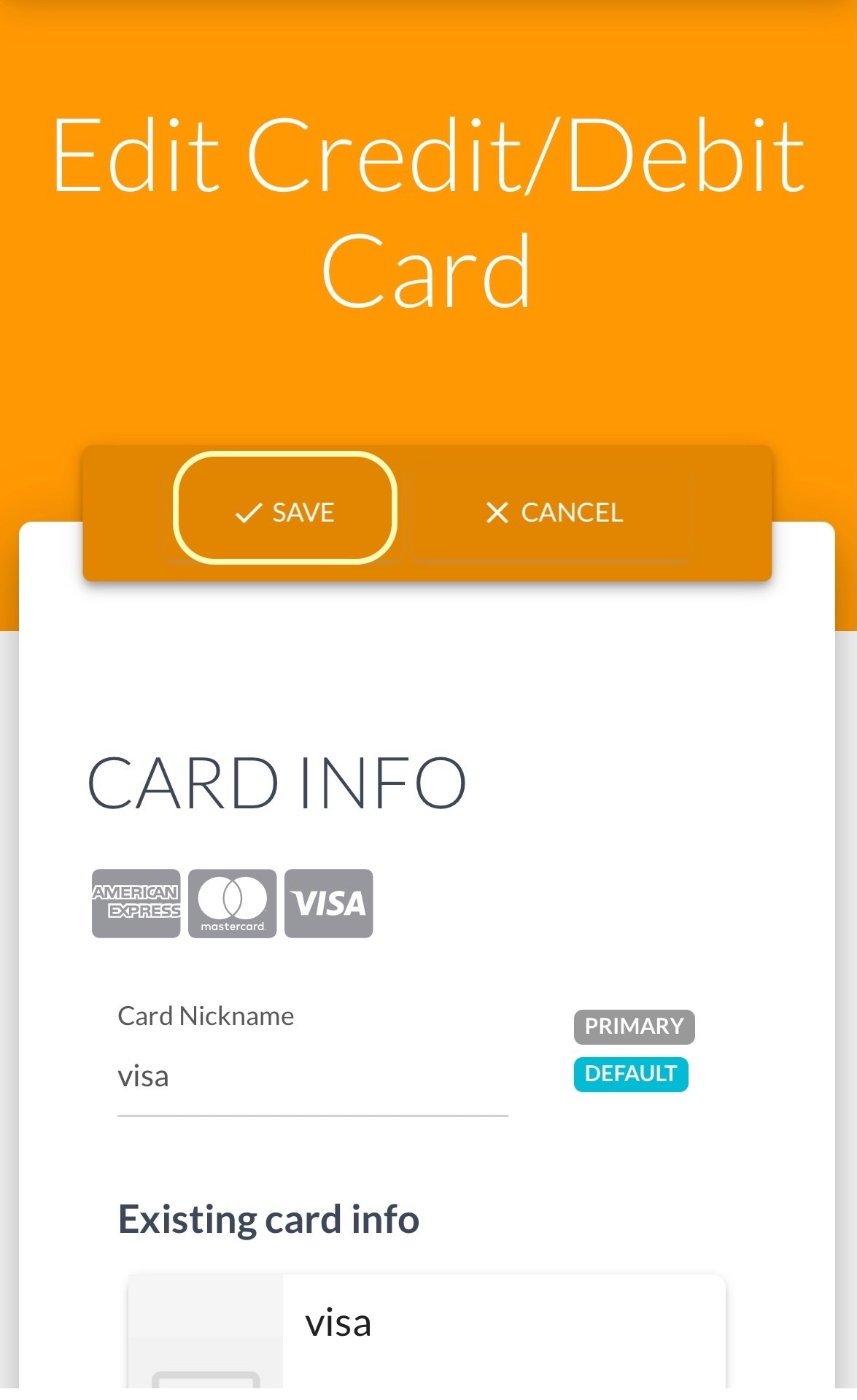
Please fill out required areas:


Scroll back up to top and click "Save"

Modified on: Wed, 30 Sep, 2026 at 8:44 AM
From the home screen, click "Billing & Payment"
Scroll down and click on "Saved Payment Methods"
Edit your saved payment method
Please fill out required areas:
Scroll back up to top and click "Save"
Did you find it helpful? Yes No
Send feedback